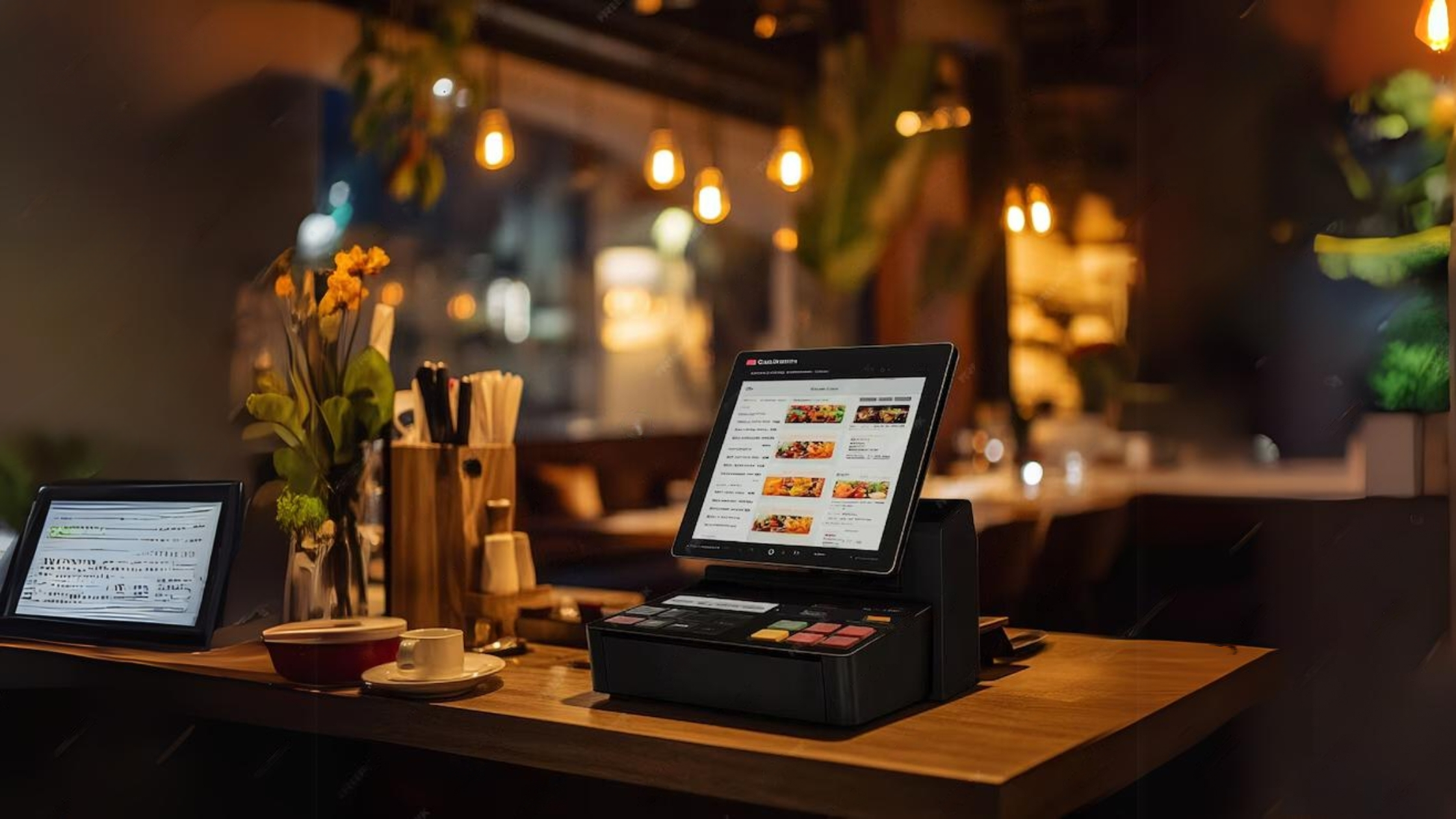
How to Choose a Restaurant POS System: A Buyer’s Guide for Independent Owners

Choosing a point-of-sale system is one of the highest-stakes technology decisions an independent restaurant makes. Your POS touches every order, every payment, and every report you rely on to run the business — and switching later is painful. Get it right and the whole operation runs smoother. Get it wrong and you fight the tool every shift.
This guide walks through exactly how to choose a restaurant POS system: the features that actually matter, the questions to ask vendors, the hidden costs to watch for, and how a POS fits into a broader restaurant management software platform so you are not left stitching together five disconnected tools.
Start with your restaurant, not the feature list
Before you look at a single demo, get clear on how you operate. A fine-dining room with coursed service, a fast-casual counter, and a bar with heavy tabs have very different needs. Write down your service model, average covers, number of stations, and the workflows that cause the most friction today. The best POS is the one that fits your service, not the one with the longest feature list.
Ask yourself: How do orders flow from the guest to the kitchen? How many terminals and handhelds do you need? Do you run delivery and takeout? Do you have a bar? These answers become your evaluation checklist.
The features that actually matter
Almost every modern POS handles the basics. Focus your evaluation on the features that separate a good fit from a constant headache:
- Speed and reliability at the terminal. Your team will touch it thousands of times a week. Laggy screens and crashes during a rush cost you covers and tips.
- Offline mode. If your internet drops, can you still take orders and payments? For many restaurants this is non-negotiable.
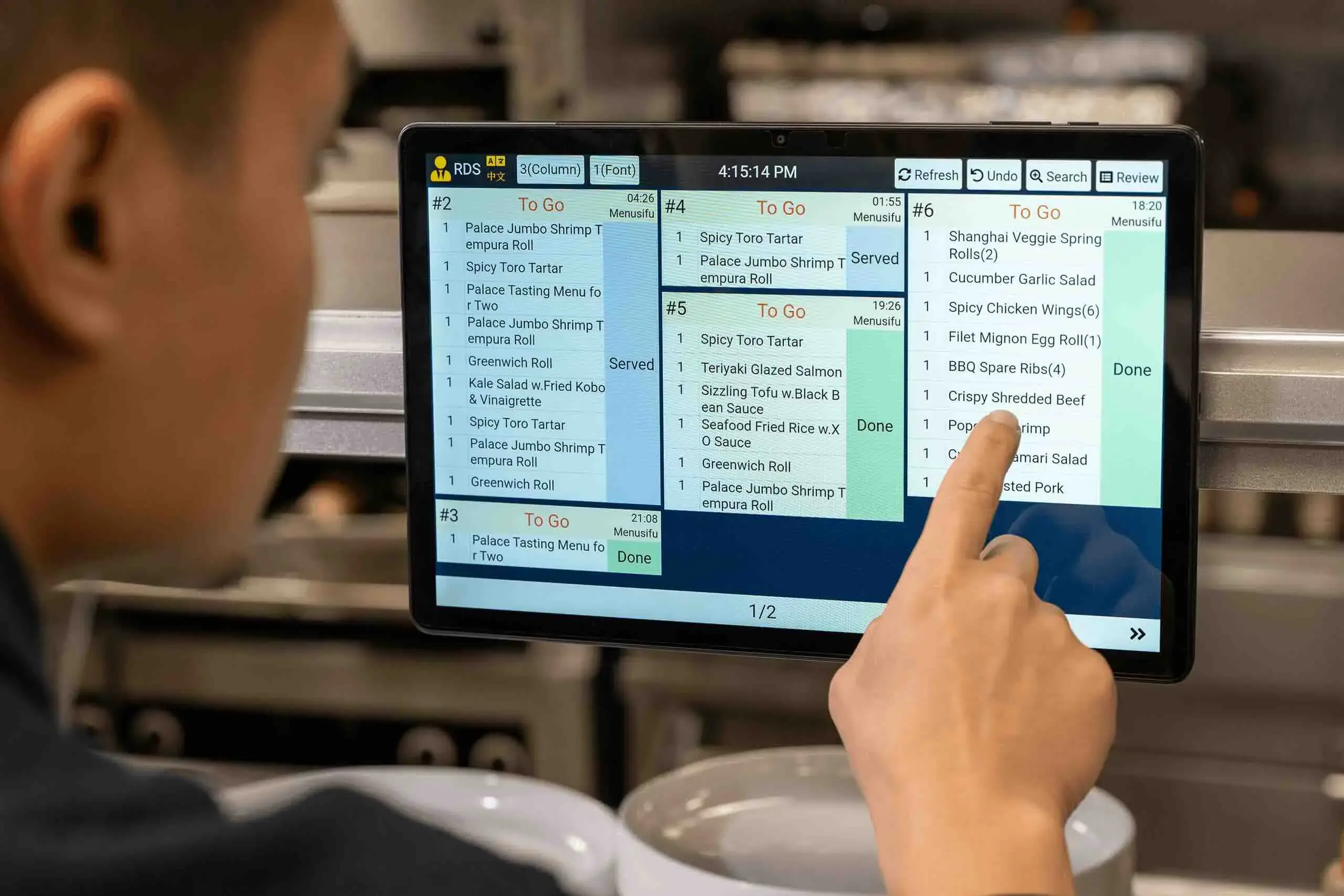
- Kitchen display and routing. Orders should fire to the right station automatically, with modifiers and timing that match your workflow.
- Reporting and data access. A POS that traps your sales data in clunky reports is a POS that limits your decisions. You want clean, exportable data — ideally feeding a real analytics dashboard.
- Integrations. Reservations, online ordering, inventory, loyalty, and payroll should connect, not live in silos.
- Payment flexibility and transparent processing rates.
The reporting point deserves emphasis. The real value of a POS is the decisions its data enables. Our guide on how to use your restaurant POS data to make smarter decisions shows what that looks like in practice.
Watch the hidden costs
The sticker price is rarely the real price. Before signing, get every one of these in writing:
- Hardware costs — terminals, handhelds, printers, cash drawers, and kitchen displays add up fast.
- Payment processing rates — the percentage per transaction often matters more to your annual bill than the software fee. Understand the effective rate, not just the headline number.
- Per-terminal or per-location fees that scale as you grow.
- Add-on module fees for online ordering, loyalty, or reporting that were shown in the demo but priced separately.
- Contract length and early-termination penalties.
- Support costs — is 24/7 support included, or extra?
A POS that looks cheap can become expensive once processing and add-ons are layered on. Model your true monthly and annual cost at your real volume before comparing options.
POS vs. all-in-one platform
Here is the strategic question most owners miss: do you want a standalone POS plus a pile of separate subscriptions for reservations, online ordering, inventory, and loyalty — or an integrated platform where the POS is one connected module?
Standalone tools can each be excellent, but the integration tax is real: data does not flow, reports do not reconcile, and your team logs into five systems. An all-in-one platform trades a little best-of-breed depth for a single source of truth. For a full breakdown of that trade-off, see our complete guide to restaurant management software, which explains how a POS, reservations, inventory, and analytics work better when they share one dataset.
Online ordering is a great example. Routing orders through your own system instead of third-party apps can save you the punishing commissions covered in how to set up direct online ordering — but only if your POS and ordering actually talk to each other.
Run the demo like a shift
Don't just watch a polished sales demo — make the vendor run your busiest scenario. Fire a large table with modifiers, split a check four ways, void an item, comp a dish, and pull a labor report. If it is clumsy in a calm demo, it will be miserable on a Friday night. Have the people who will actually use it — servers, bartenders, and a line cook — in the room.
The TableSync approach
TableSync includes point-of-sale as one connected module alongside reservations, online ordering, inventory, staff scheduling, loyalty, and analytics — all sharing a single dataset. That means the sales your POS captures instantly feed your food-cost, labor, and reservation reporting, with no exports or reconciliation. You evaluate one platform, train on one system, and see the whole business in one place.
Frequently Asked Questions
What should I look for in a restaurant POS system?
Prioritize speed and reliability at the terminal, offline mode, kitchen display and order routing, clean and exportable reporting, and integrations with reservations, online ordering, and inventory. Then evaluate the true total cost — hardware, payment processing rates, and add-on fees — not just the advertised software price.
How much does a restaurant POS system cost?
Costs vary widely by provider and setup, spanning monthly software fees, hardware, and per-transaction payment processing. Because processing rates and add-on modules often dominate the real bill, model your total cost at your actual sales volume rather than comparing headline software prices alone.
Is an all-in-one platform better than a standalone POS?
It depends on your priorities. Standalone tools can offer more depth in one area, but an all-in-one platform keeps reservations, ordering, inventory, and sales data in one place — eliminating the integration headaches and reconciliation work that come from running five separate systems.
How do I switch POS systems without disrupting service?
Plan the switch for a slower period, migrate and verify your menu and data in advance, train staff before go-live, and run the new system in parallel or during a soft window first. A vendor with strong onboarding and responsive support makes the transition far smoother.
Ready to simplify your operations?
Start your 14-day free trial of TableSync — no credit card required.
Start Free Trial